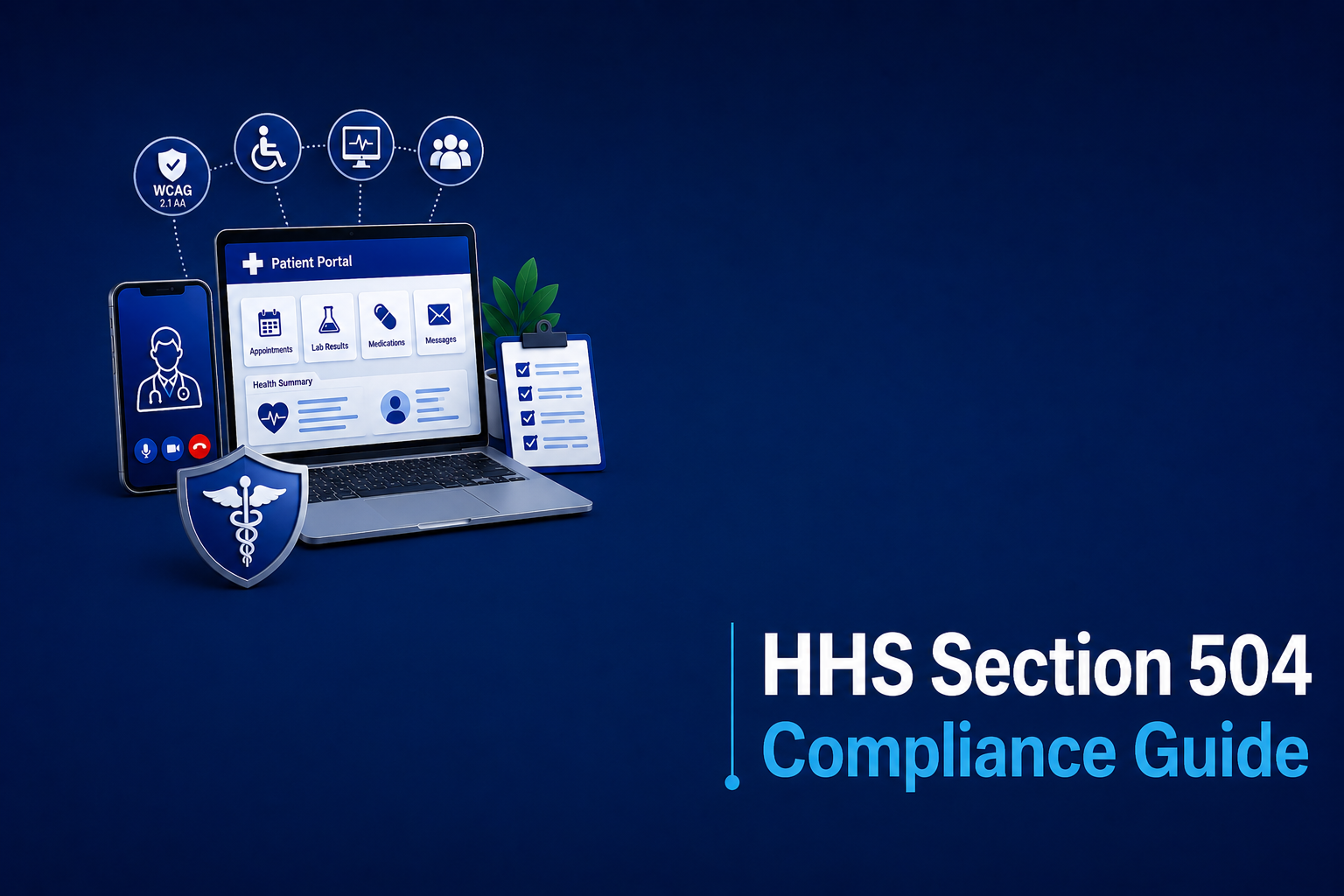
Healthcare is the basic right of every individual. Therefore, it is essential that you can easily access it. A broken patient portal, unreadable medical reports, etc., can easily frustrate everyone regardless of their disabilities. In 2024, the Department of Health and Human Services (HHS) made a landmark move by updating the Section 504 Final Rule. This update mandates every healthcare provider receiving federal funding should have their digital services and products fully accessible under WCAG 2.1 Level A and AA standards.
In this blog, we will break down all the things you need to know regarding the May 2024 HHS update and help you create a digital framework.
Table of Contents
What is the HHS Section 504 Final Rule?
The HHS final rule explicitly recognizes and acknowledges that healthcare happens online too, and digital services and products offering it should be accessible. This mandates that users need to have a flawless digital experience during usual activities like checking lab results or reading prescriptions, etc. The HHS has adopted WCAG 2.1 level AA as the benchmark to measure the accessibility of your products or services.
Section 504 has prohibited disability discrimination in federally funded programs for over 50 years. The 2024 HHS rule finally defines what digital accessibility means and sets clear deadlines for compliance.
Previously, the regulation required equal access but did not explain how websites, mobile apps, or other digital services should meet that requirement. The new rule closes that gap.
Who Must Comply?
Although it may look complicated, you just need to remember one thing. Your organization needs to comply if you get federal financial assistance from HHS.
This includes:
- Hospitals and outpatient clinics.
- Physicians and private practices accepting Medicare/Medicaid.
- Health insurance issuers and HMOs.
- Pharmacies.
- State and local health departments.
- Nursing homes and rehabilitation centers.
- Telehealth platform providers contracting with covered entities.
The smaller practices get a slightly longer runway to achieve compliance but aren’t exempt. HHS understands that although small teams have fewer resources, it doesn’t mean that accessibility depends on a clinic’s headcount.
Major Shifts in the 2024 Rule
Content strategists and compliance officers need to internalize a few pivotal changes introduced by the Final Rule.
1. The End of Ambiguity
We used to rely on ensuring “effective communication,” which left way too much room for interpretation. By mandating WCAG 2.1 AA, the HHS removed the guesswork. Compliance is now a binary metric: your digital asset either passes the success criteria, or it fails.
2. Medical Equipment and Self-Service Kiosks
Any digital check-in kiosk or an interactive diagnostic tool should have an accessible digital interface. For example, a patient with visual impairment should be able to check in through the kiosk independently by using other modes like audio output rather than using the touch interface.
3. Accessibility Overlays
We have consistently spoken about how overlays cause more harm than good. Although HHS doesn’t ban it, the inadequacy of overlays, like not fixing a broken reading order in the patient portal, etc., fails the WCAG 2.1 AA requirements. Focus on code remediation and manual auditing rather than using quick-fix plugins.
Deep Dive: WCAG 2.1 AA Requirements
We have divided WCAG 2.1 AA requirements into three categories for easy understanding:
Websites and Web Content
Your main hospital site and any informational health blogs must be universally navigable.
- Color Contrast: Maintain a minimum 4.5:1 contrast ratio of text against its background for normal text and 3:1 for large text so that low-vision patients can easily read facility addresses, phone numbers, and urgent care hours.
- Text Resizing: Allow magnifying text size up to 200% without breaking the site layout or causing text to overlap.
- Alternative Text (alt text) for Images: Provide descriptive alt text for images, such as diagrams demonstrating back-strengthening exercises, to help screen reader users.
- Page language must be declared. This lets screen readers automatically switch to the correct pronunciation, making the content easier to understand.
- Error messages should be clear and helpful. Instead of a generic “Something went wrong,” they should explain what happened and tell users how to fix it.
Mobile Applications and Telehealth
Telehealth is a staple of modern medicine, and WCAG 2.1 introduced specific criteria just for mobile accessibility.
- Orientation Independence: Apps must work in both portrait and landscape modes. It helps in situations such as a patient having a mounted screen on a wheelchair, as they can’t flip the device.
- Touch Targets: Buttons for starting a video call, muting a microphone, or ending a session have to be at least 44×44 CSS pixels. This helps users with tremors or limited fine motor control hit the right button without frustration.
- Closed Captions: All telehealth video platforms and pre-recorded health tutorials need accurate, synchronized closed captions for the Deaf and hard of hearing.
Electronic Documents and Patient Portals
Accessibility doesn’t stop at the public-facing homepage; it extends right into secured patient environments.
- Keyboard Accessibility: Patients must be able to navigate their entire portal, such as viewing bills, messaging doctors, etc., using the keyboard only and nothing else.
- Session Timeouts: Although HIPAA security expects you to log out users quickly. Provide warnings and allow them to extend sessions easily to help users with cognitive impairments.
- Accessible PDFs: Medical records, intake forms, and billing statements provided as PDFs must be properly tagged so screen readers can parse them.
Real-life Use Cases of WCAG 2.1 AA
Here are two examples to demonstrate how WCAG 2.1 AA transforms the patient experience. These examples illustrate how accessible design helps patients complete everyday healthcare tasks independently, confidently, and without barriers:
Accessing Prescriptions Online
A user with a motor impairment navigates your pharmacy site using voice commands. Because the site is built with proper semantic HTML and clear ARIA (Accessible Rich Internet Applications) labels, the voice software correctly identifies the “Refill Prescription” button. The user orders their medication entirely independently.
Screen Reader Navigation for Billing
A blind patient receives a digital bill. Because the hospital ensured their PDFs are accessible, the screen reader handles the data tables properly. Instead of barking out a jumble of unformatted numbers, it announces the headers (“Date of Service,” “Procedure,” “Amount Owed”) before reading the row data. The patient actually understands what they are paying for.
Compliance Deadlines: Mark Your Calendar
The HHS set a tiered timeline based on organizational size:
May 11, 2026: Deadline for larger entities (15 or more employees).
May 10, 2027: Deadline for smaller entities (fewer than 15 employees).
Do not drag your feet on this. Remediating a massive hospital website alongside thousands of legacy PDF medical records easily take 12 to 18 months of sustained, focused effort. These deadlines may seem distant, but accessibility takes planning. Audits, fixes, vendor coordination, contracts, and training all require time.
This means auditing digital services, fixing accessibility barriers, training staff, and making accessibility part of ongoing design, development, and testing. Accessibility is an ongoing responsibility, not a one-time compliance task.
The Real Cost of Non-Compliance
Ignoring this rule isn’t an option if you touch federal funding. The HHS has made it clear that digital accessibility is a fundamental civil right. Fail to provide it, and you expose your organization to massive fallout.
1. Suspension of Federal Funding
This is the critical risk. Because Medicare and Medicaid reimbursements constitute federal funding, the HHS can suspend or terminate your payments if you refuse to comply. For most facilities, losing that eligibility would financially devastate the organization.
2. OCR Investigations and Corrective Action Plans
The Office for Civil Rights (OCR) actively enforces Section 504, and patients who faced digital barriers can file grievances directly. OCR immediately mandates a corrective action plan when they find you violating these issues. This will overhaul all your future plans and increase your required budget to complete projects.
3. Severe Damage to Patient Trust
Financial penalties hurt, but losing patient trust causes irreversible damage. When a patient can’t access lab results, read post-op instructions, or schedule a vital appointment, they feel alienated. They will seek care elsewhere. Providing an accessible platform honors patient dignity and proves your brand actually prioritizes equitable care.
Navigating the Exceptions
The rule is comprehensive, but the HHS provided a few practical exceptions to ease the administrative burden. Understanding these saves your team hundreds of hours of unnecessary work.
Crucial Caveat: If a patient specifically requests an excepted document in an accessible format, you still have to provide it under existing reasonable accommodation laws.
- Legacy or old web content is exempt from updates if created before compliance deadlines, retained for reference, unaltered, and located in an “Archive” section.
- Legacy documents (PDFs, Word files, etc.) published before the deadline are exempt unless they are currently used for patient services, in which case remediation is required.
- Password-protected documents linked to individuals do not need to meet WCAG 2.1 AA standards for patient access but must allow smooth access upon request.
- You are not liable for the accessibility of third-party content, but you are responsible for the accessibility of EHR portals, telehealth platforms, and payment gateways you manage.
Conclusion
The HHS drew a hard line in the sand: digital accessibility in healthcare is a non-negotiable civil right. The digital front door of your hospital needs to open just as easily as the physical sliding doors in your emergency room.
By adopting WCAG 2.1 Level AA as the standard for digital accessibility, HHS has made it clear that equal access extends beyond hospital doors to websites, patient portals, mobile apps, and telehealth platforms. While the compliance deadlines may seem far away, building accessible digital experiences takes time, planning, and continuous effort. Alongside dodging fines and legal risks, you are empowering your patients.
Remember, it is already hard enough that a patient is undergoing a medical condition; don’t complicate it further by making your products and services inaccessible. Reach out to us at AEL Data today to assist you further in making your digital product accessible.