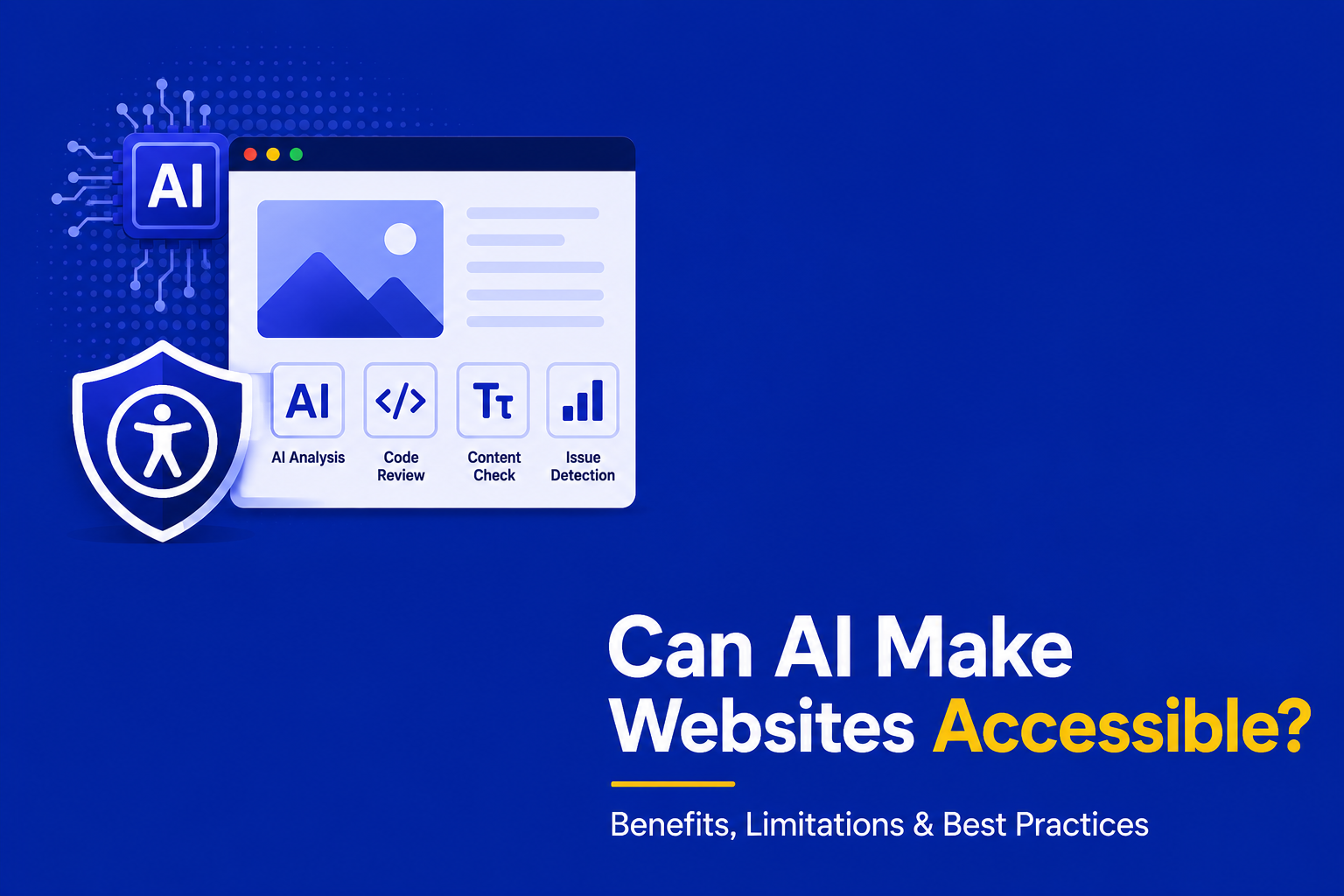
Artificial Intelligence (AI) is slowly becoming the Fountain of Youth that promises to restore health, reverse aging, etc. and people are rushing towards it. Although it promises the best of things, it is still far behind in fields that require human reasoning. Web Accessibility is one of those where you require context to understand and fix issues on your website.
In this blog, we will explore and perceive digital inclusion through the lens of AI. We will also evaluate its profound shortcomings and outline a defensible strategy to create a digital environment that welcomes everyone.
Table of Contents
AI in Accessibility
AI can be a useful starting point for accessibility by quickly identifying potential issues and suggesting improvements.
When evaluating how artificial intelligence is deployed across digital properties to address accessibility, the applications generally fall into two distinct categories. Understanding the dichotomy between these approaches is vital for leadership, as each presents a highly specific set of operational benefits and potential liabilities.
There are two types of AI utilization in accessibility:
- AI generated site: Involves relying on large language models (LLMs) and generative artificial intelligence to architect, design, and code digital environments from the ground up without human programming
- Using AI tools to improve accessibility: Deploying AI-driven diagnostic software to find and remediate accessibility issues.
AI generated websites
In a 2025 rigorous study, researchers Ruchi Panchanadikar, Mitali Shrikant Bhosekar, and Emma Dixon, sought to answer whether generative AI can create accessible websites autonomously. The study evaluated the structural output of websites generated by large language models, specifically measuring them against WCAG 2.2 criteria and Cognitive Accessibility (COGA) standards.
| Accessibility Standard Violated | Percentage of Total Mistakes | Primary Failure Modes Observed in AI Output |
| Cognitive Accessibility (COGA) | 53% | Inconsistent page layouts, unpredictable navigation patterns, and complex interaction flows that trigger cognitive overload. |
| WCAG 2.2 Technical Rules | 47% | Low text-to-background contrast, missing or inadequate alternative text for images, and form controls lacking programmatic labels. |
The findings definitively indicate that out-of-the-box LLM generation remains insufficient for legal and technical compliance. Across six different AI-generated websites (three engineered by ChatGPT and three by DeepSeek), the researchers identified a shocking 308 distinct accessibility mistakes. The data reveals a significant divide in how these models fail, indicating that while AI struggles with technical markup, it is even less capable of designing interfaces that accommodate human cognitive processing.
The study further highlighted that not all large language models possess the same deficiencies. DeepSeek demonstrated superior overall performance, particularly in generating accessible heading structures and formatting web forms logically. Conversely, while ChatGPT exhibited a higher volume of systemic errors, it excelled in specific micro-interactions, such as generating interactive buttons with compliant color contrast ratios. The authors concluded that while generative AI serves as a powerful initial prototyping assistant, rigorous human intervention remains mandatory to ensure final compliance and usability.
Advantages of AI in Accessibility
AI is changing the way organizations approach web accessibility. While it cannot make a website fully accessible on its own, it can help teams identify issues faster, improve consistency, and reduce the time spent on repetitive tasks:
- It can flag content that may create challenges for screen reader users and recommend ways to make it more accessible.
- It also helps maintain consistency across a website by spotting patterns, such as incorrect heading structures, making it easier for teams to standardize content.
- For organizations with limited resources, AI can reduce manual effort and save significant time, allowing accessibility specialists to focus on more complex issues that require human judgment.
- AI can help teams work more efficiently and catch common issues early, but creating truly accessible experiences still requires human judgment, testing, and an understanding of users’ needs.
Shortcomings of AI generated website
| Usability Vector | Specific AI-Generated Shortcomings | Impact on Disabled Users |
| Form and Media Labeling | Total omission of for attributes on native HTML text inputs; images placed in galleries entirely lacking alternative (alt) text.5 | Screen reader users encounter invisible media and are unable to determine what data is required in contact forms.5 |
| Keyboard Accessibility | Highly inconsistent visual focus indicators; interactive carousels strictly limited to mouse-click events.5 | Users with motor impairments lose their place on the page and are completely locked out of interactive gallery features.5 |
| Screen Reader Navigation | Vague, repetitive button labeling (e.g., multiple buttons reading only “Learn more”); heavy reliance on JavaScript to aggressively shift user focus.5 | Visually impaired users experience severe disorientation during navigation and receive no context regarding link destinations.5 |
AI can speed up website creation, but it does not guarantee accessibility. Testing often reveals accessibility issues that still require human attention.
Here are some of the shortcomings of AI generated websites:
- Standard automated testing with tools such as Axe-core reveals vulnerabilities in AI-generated templates.
- An evaluation of a site created by the AI tool “Durable” identified 17 automated issues.
- These issues include 11 critical failures and 6 serious violations.
- The most significant shortcomings are observed in three key areas of user experience.
While generative AI models do successfully utilize native HTML for actionable items, they don’t take account of semantic context resulting in for assistive technology wrongly interpreting the page to its users.
Remember these issues are found by using only automated tools, when you add manual testing to the mix, we will identify more issues.
How AI tools Helps Web Accessibility?
While generative artificial intelligence is inadequate as an autonomous website creator, its application as a diagnostic and remediation tool is fundamentally transforming how enterprise development teams approach compliance. When deployed correctly to improve existing digital properties, AI makes the accessibility workflow significantly faster, more scalable, and highly proactive.
- The tools apply Machine Learning techniques to perform an exhaustive scan of a website in order to carry out large-scale audits. They are capable of crawling up to 100,000 web pages. They identify automatically all the violations of WCAG 2.2 standard up to the exact line of code to be modified.
- Integration of AI into CI/CD pipelines facilitates compliance checks before code deployment.
- Large Language Models (LLMs) like ChatGPT can identify and fix issues in code 7 out of 10 times. This includes third party codes.
- Makes it so much easier to debug web sites. A collection of tools all powered by AI to eliminate mundane work like tracking down things like missing label attributes for tag names and detecting too many links in an HTML tag.
- More companies are beginning to make use of Generative AI for creating automatic alt text that is WCAG compliant. Currently, 26% of homepages of Fortune 1000 companies are image-free for lack of alt text.
- Artificial Intelligence (A.I.) transcription tools allow for very rapid closed captioning and transcription of video content so that you can choose to watch any video in ‘silent mode’.
- An AI widget is a small, customizable user interface element that makes the user interface easier to use for everyone, especially people with cognitive or visual disabilities. Customizable features can include: Using simple language; Changing font styles; Removing annoying animations or flashing buttons
Shortcomings of AI tools
AI can certainly help improve accessibility, but it also has important limitations such as:
- AI tools face significant technical limitations, such as hallucinating inaccurate alt text and generating erroneous ARIA markup, risking worse accessibility outcomes.
- A 100% accuracy in text alternatives, required by WCAG cannot be guaranteed by current AI technologies without manual correction.
- Judicial precedents indicate that AI overlays, which are JavaScript widgets, do not assure ADA compliance if the underlying code is still inaccessible.
- In 2025, digital accessibility lawsuits surged, with a notable 23.84% jump, particularly in Illinois where there was a 745% increase in federal ADA website lawsuits.
- Nearly 25% of these lawsuits targeted websites using AI accessibility widgets, which often interfere with native screen reader software.
- The FTC penalized a software company for false claims about its AI capabilities, highlighting the risk of relying on deceptive marketing for compliance solutions.
Hybrid approach of Accessibility compliance
The most effective accessibility strategy combines AI with human expertise. AI can provide speed, scale, and automation by identifying common issues early, while accessibility professionals bring the judgment needed to assess real-world usability.
A combination of concerns about possibly poor code being produced by generative AI, and the fear of lawsuits over the use of unregulated AI, are compelling many to rethink their goal of achieving equal access to technology for all by 2026. Many lawyers, activists and engineers believe that the only feasible method of equality will be a hybrid of current accessibility features and AI.
From being entirely automated or requiring purely human intervention, the Hybrid Approach is no longer about choosing one over the other. Artificial intelligence is now being used for those instances where quick and accurate assessment or decisions are required, whereas human intervention and empathy is still very much required for usability testing and legal verification. A Hybrid compliance framework should be robust and comprise of a Layered Defense Model (LDM) which utilizes technology across all stages of the Software Development Lifecycle (SDLC) of the digital product.
| Phase of Compliance | The Hybrid Methodology Execution | Strategic Purpose |
| Automated Diagnostics | AI scanners evaluate up to 100,000 pages, instantly flagging objective technical errors like missing form labels, empty hyperlinks, and poor color contrast. | Accelerates issue detection by identifying common WCAG violations early in the development process, reducing the likelihood of accessibility issues reaching production. |
| Manual Expert Validation | Certified Professionals in Web Accessibility (CPWAs) and native assistive technology users manually test complex elements, logical reading order, and keyboard traps. | Solves the AI hallucination problem; guarantees that the digital experience is contextually accurate and usable for real humans. |
| Continuous Governance | Developers utilize AI code assistants in their IDEs to write compliant HTML, while human consultants perform periodic, deep-dive manual audits to maintain standards. | Moves the organization from a reactive “break-fix” cycle into a proactive, sustainable compliance posture. |
Conclusion
Remember a few lines of code by a machine should never determine whether a person can use a website.
Artificial Intelligence is best viewed as an accessibility assistant rather than a replacement for human expertise.
It is very useful for a variety of diagnostic purposes, but it is not a stand alone tool for determining whether your site is accessible. Many of the Generative AI site builders are creating code structures and semantics that are resulting in thousands of automated WCAG violations. So, the best way forward is through a hybrid testing process. This approach uses AI to read and analyze the code that is used to construct the pages on your site. It also analyses that other factors such as UX design, usability testing, etc., are conducted by a human accessibility auditor. This ensures you are compliant with the law and have a full audit trail to back you up in the unlikely event of a court challenge.
The use of artificial intelligence to rapidly and cost-effectively solve accessibility issues may look like the best way forward. However, it is highly appropriate in the context of digital accessibility. Rather than making superficial changes on your website with AI, aim to create an inclusive digital experience on your website with the help of an accessibility expert like AEL Data.