Imagine you got a good deal on Nike shoes, and you made the purchase. You go home and take a picture of it to boast about it to your friends, but you realize that there is something wrong with the shoes. Although it looks like Nike, it’s a counterfeit, and the quality is cheap too. Now, your day is ruined! This is exactly what users with disabilities go through when websites use overlays and declare themselves as inclusive. Overlays may look good on the outside as they provide surface-level visual adjustments for your website. Unfortunately, they do not fix structural barriers that are embedded in your website’s source code. In this blog, we will explore the various issues of using overlays on your website and help you understand what true compliance demands.
Table of Contents
What Are Accessibility Overlays?
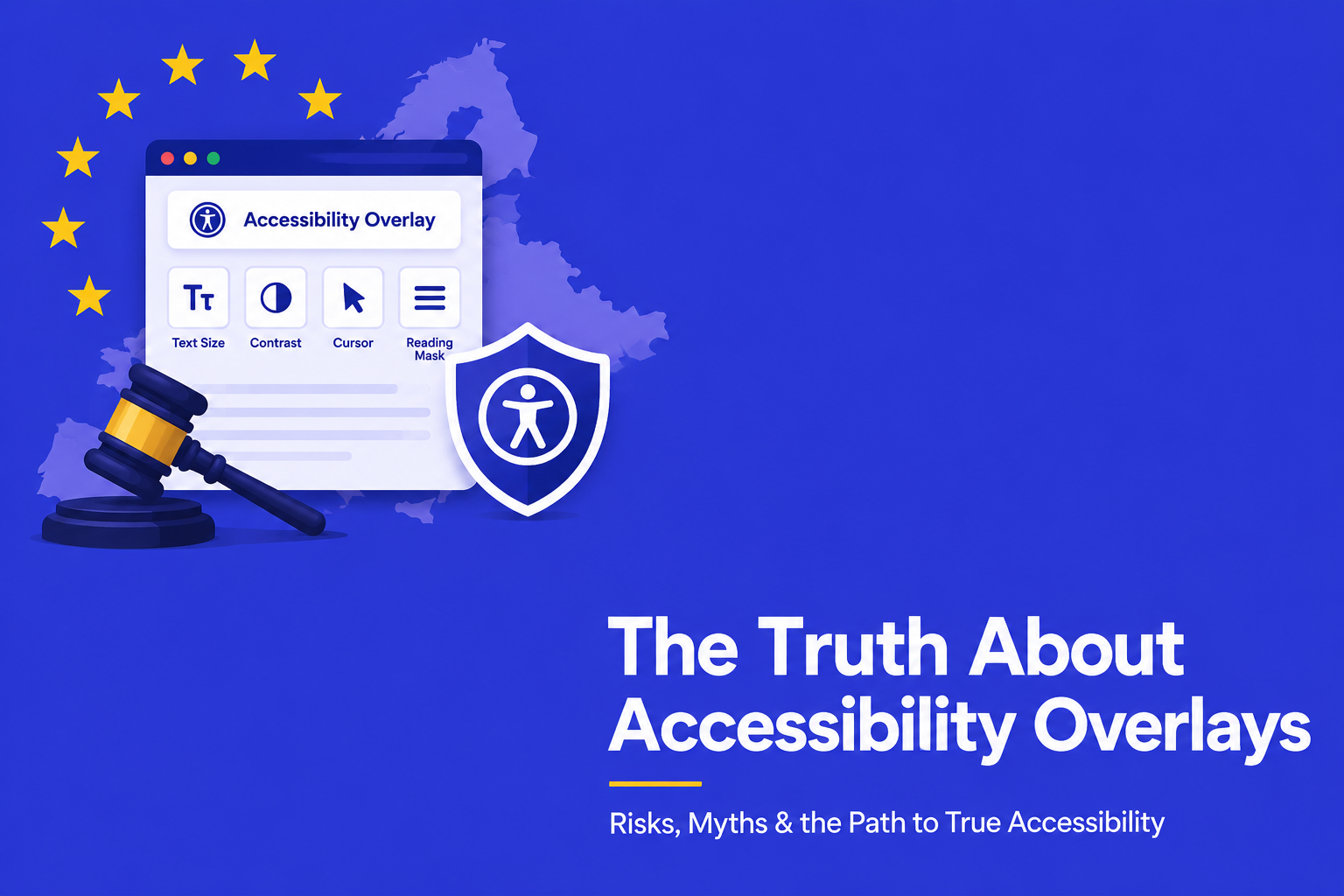
Overlays are usually in the form of plugins, toolbars, or widgets and can be added to websites via third-party scripts. Some claim to automatically fix accessibility issues in the background, but these claims are often overstated. Some of the types of overlays include user-controlled toolbars, automated script-based fixes that make real-time changes, hybrid overlays that combine both approaches, and enterprise tools that add monitoring, reporting, and compliance tracking.
Typically, they offer user-facing features such as:
- Text resizing tools to enlarge fonts for low-vision users.
- Contrast adjustments to swap color palettes for better readability.
- Cursor modifications to increase pointer size.
- Reading masks to highlight specific lines of text.
The aim of overlays is to improve accessibility by dynamically modifying code as users load the page. Hence, the above features may look helpful but are temporary, as they don’t fix the inaccessible source code.
How Do Overlays Work?
Accessibility overlays are tools that help users navigate websites by offering features like text-to-speech, font resizing, and color adjustments. Some use AI to detect and sometimes fix issues like missing alt text or poor heading structures.
As a result, organizations may gain a false sense of compliance while still falling short of accessibility standards such as WCAG and ADA requirements.
Why Overlays Are Not a Complete or Reliable Solution?
Overlays make superficial visual adjustments, such as: providing keyboard navigation support. However, it can’t magically make changes in your HTML to make interactive elements such as drop-down menus, modal pop-ups, etc. accessible.
They’re popular because they’re easy to deploy, but they only address surface-level problems and can’t fix deeper code issues. While helpful for identifying issues, overlays aren’t a substitute for building true accessibility into a site’s design and development.
Let us dive deeper into why overlays may cause more harm than good:
Artificial Intelligence Lacks Human Context
Nowadays, AI is added to everything to make it better; overlays are not free from it either. The problem with using AI is that it doesn’t understand things according to context. When an image lacks alt text, the overlay might add it and show it as an error fixed. Images are subjective and require specific details according to the context.
For example, when an AI scans an image of a cat holding a baseball bat, it might generate the alt text: “cat holding a 2025 Easton Speed BBCOR Baseball Bat.”
While it is technically accurate, it may not fit the context, as the author intended to showcase this image as sarcastically hinting that a baseball hitter is going through a slump.
Disruption of Native Assistive Technologies
Users with disabilities use assistive technologies, such as screen readers like JAWS, NVDA, etc., and they have personalized it to meet their unique and daily needs. Overlays might cause issues for these users as they frequently override or interfere with the tools. It might create a new barrier rather than removing it, and users will have to jump through hoops to just access specific content or navigate to a different page.
Severe Impacts on Site Performance
Search engines and users alike demand fast-loading websites. Adding third-party JavaScript to your site fundamentally changes how the page loads. Accessibility overlays must scan and attempt to modify the Document Object Model (DOM) every single time a page renders.
This heavy processing requires significant bandwidth and computing power, leading to sluggish page load times and a clunky user interface. Poor site performance not only frustrates all visitors but also damages your overall SEO rankings, as site speed remains a critical ranking factor for search engines.
May Hinder User Privacy
Accessibility overlays can raise privacy and data security concerns. Some can detect when a user is using assistive technology, which may unintentionally reveal that the user has a disability. Others may track and store a user’s chosen settings and apply them across other websites using the same overlay. If this happens without clear consent, it can lead to unwanted sharing of personal preferences and a breach of user privacy.
The Legal Vulnerability: Failing WCAG Compliance
Overlays can typically only detect and attempt to fix about 20% to 30% of all potential WCAG violations. They completely miss critical compliance areas, including:
- Providing accurate, synchronized captions for video and audio content.
- Ensuring error prevention and helpful error suggestions in complex forms.
- Establishing a logical, hierarchical heading structure.
- Making downloadable documents (like PDFs and slide decks) accessible.
According to recent data, accessibility overlay companies do not offer legal protection. Relying on overlays is like opting for a cosmetic shortcut rather than actually fixing it (when you clearly accept non-compliance). If a website fails to meet the full spectrum of WCAG standards, it remains non-compliant, regardless of the widgets floating in the corner of the screen.
How to Achieve True Accessibility?
True accessibility starts with proper coding and expert guidance, and it requires building digital environments the right way from the ground up. Together, they create a more inclusive user experience and address issues that automated tools often miss.
Building Inclusive Foundations
Proper coding ensures that a website natively supports all users. By utilizing semantic HTML, developers provide browsers and assistive technologies with the exact instructions they need to interpret the page correctly. When developers use the correct tags for buttons, links, navigation menus, and headings, screen readers can effortlessly navigate the content. This native approach eliminates the need for third-party scripts to guess the page’s structure.
Furthermore, native coding ensures that accessibility remains robust across all devices and browsers. A properly coded website scales flawlessly on mobile phones, tablets, and desktop computers, providing a seamless and equitable experience for every visitor.
The Importance of Accessibility experts
Collaborating with certified accessibility experts is crucial for ongoing web accessibility efforts; their guidance helps teams understand accessibility principles, identify barriers during design, and foster an inclusive culture that extends beyond mere compliance.
Automated scanning tools can identify syntax errors but lack the capability to assess the human experience on websites, making manual audits essential for true WCAG compliance. Trained professionals conduct these audits using assistive technologies to address nuances missed by automation, such as keyboard navigation, logical focus order, meaningful sequence, and contextual alternative text.
Conclusion
A full accessibility audit is the best way to create an accessible website. Automated tools and overlays only catch some issues and can interfere with the assistive technologies users already rely on, such as screen readers and mobile accessibility tools. Manual audits uncover hidden barriers, support compliance, and help deliver a more inclusive experience for everyone.
Furthermore, here are the core takeaways from our blog:
- Overlays are only a band-aid operating strictly at the browser level and do not fix real problems.
- They disrupt the user experience by interfering with the assistive technologies.
- AI cannot replace human context as it lacks the nuance needed to write meaningful alt text or fix complex navigation structures.
- They do not guarantee WCAG compliance as they only detect and fix 20% to 30% of accessibility errors.
- Real accessibility requires proper coding, such as using semantic HTML, hybrid accessibility testing, and wrapping it up by working with accessibility specialists.
Everyone loves shortcuts! But they are only useful if they are efficient and completely achieve the final goal. Creating a genuine digital inclusion is not a plug-and-play tool that magically restructures your website in a day. Prioritizing the right way to build your website rather than opting for quick fixes will help you create a truly inclusive environment for everyone. Reach out to us at AEL Data today to assist you further.