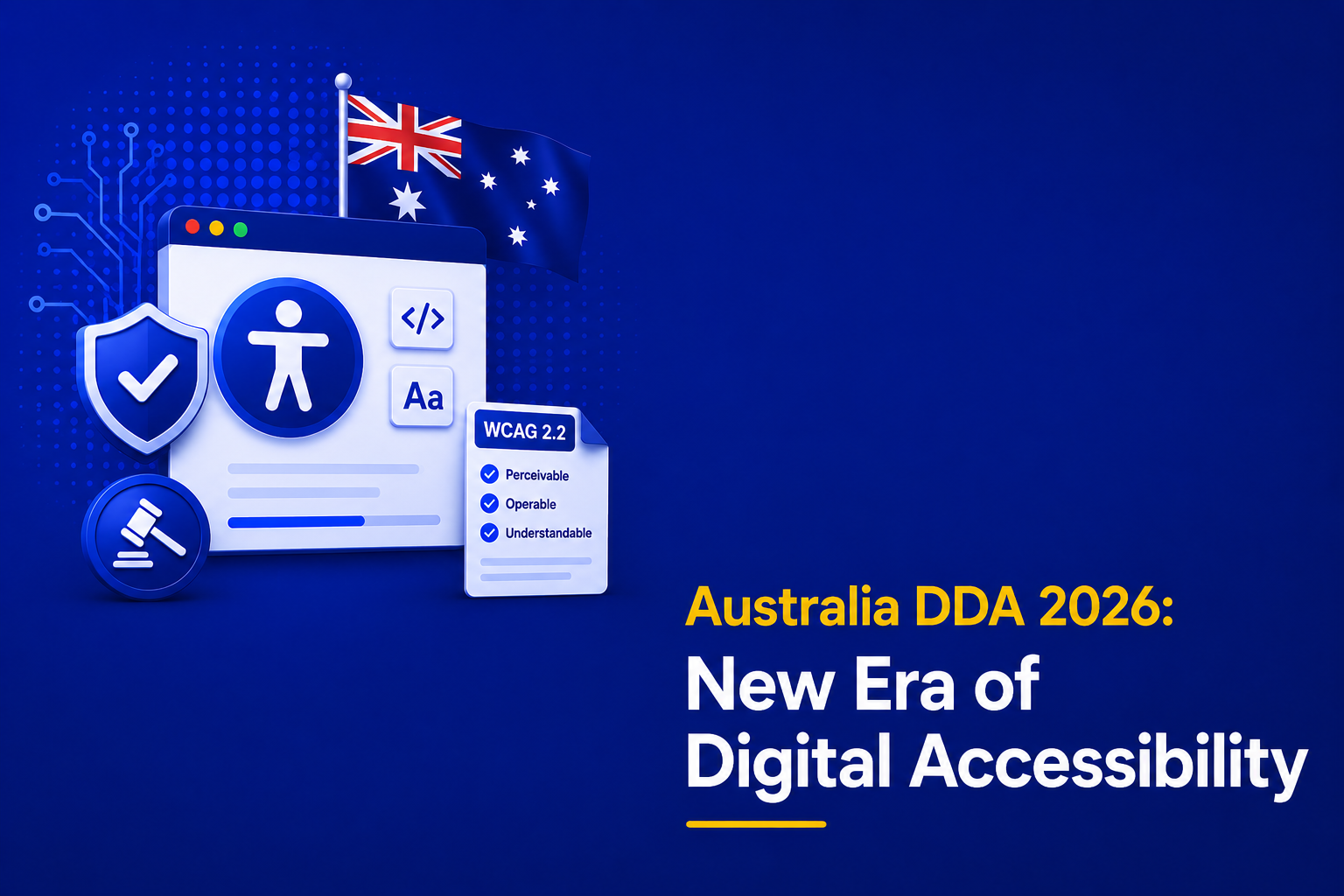
This year, Australia’s Disability Discrimination Act i.e. (DDA) will ensure that all websites, mobile apps, and other internet services are fully accessible to people with disabilities. WCAG 2.2 Level AA now makes following the rules required and not following them could lead to discrimination claims and legal consequences.
Read on to learn about the upcoming changes, your role in ensuring compliance, the repercussions of not following the laws, and what businesses can do to get ready, all while learning about how AEL Data can support you with audits and compliance support.
Table of Contents
First, What is the DDA?
The Disability Discrimination Act 1992 (DDA) was introduced to protect people with disabilities from discrimination in everyday life. This includes employment, education, accommodation, recreation, and access to goods and services.
At its core, the DDA ensures that people with disabilities have the same rights, opportunities, and access as everyone else. It also encourages greater inclusion and participation in the community.
Here’s What’s New
For a long time, the DDA required digital accessibility, but the rules were not always clear. In 2026, that’s changing. Accessibility standards are becoming more defined and businesses are being held accountable for more than just their websites. So, here’s what businesses need to know:
- Legal clarity: The DDA always prohibited discrimination, but it never specified technical digital standards. There is no longer any doubt. Federal Court decisions make it clear that WCAG 2.2 Level AA is the standard for determining compliance. If your digital assets fail WCAG 2.2, they fail the DDA.
- Proactive Enforcement: Financial institutions, stores, restaurants, schools, and government agencies will be the focus of the Australian Human Rights Commission’s 2026 Digital Compliance Sweep. They are actively auditing rather than reactively responding to user complaints.
- Expanded Liability: Previously, only public-facing websites were being scrutinized. Internal employee portals, mobile apps, PDF documents, live chat services, and third-party embedding technologies will all be part of the scope by 2026. You are responsible for everything on your domain.
WCAG 2.2 – The New Technical Standard
WCAG 2.2 replaces WCAG 2.1 as the conformance standard. It introduces nine new success criteria. The following three create extensive work for most businesses.
- Focus Appearance (2.4.13) – Keyboard focus indicators must now have a contrast ratio of at least 3:1 against surrounding colors. Faint, thin outlines are no longer appropriate.
- The Dragging Gestures (2.5.7) – Any function that requires drag-and-drop must have a single-tap alternative. Users with motor restrictions cannot perform complex gestures.
- Redundant Entry (3.3.7) – If a user has already entered information in a multi-step form, they should not have to re-enter it. Auto-population is necessary!
Other new criteria cover accessible authentication, consistent help mechanisms, and accessible error suggestions.
What does this mean for your business? If your last accessibility audit was based on WCAG 2.1, it is now outdated. You need a fresh WCAG 2.2 audit.
Scope Expanded: Websites, Apps, and Digital Services
The 2026 updates make one thing unambiguous: all digital touchpoints are covered.
| Asset Type | Covered in 2026? |
| Public-facing website | Yes |
| Mobile app (iOS/Android) | Yes |
| Employee intranet / portal | Yes |
| PDF forms and documents | Yes |
| Email marketing templates | Yes |
| Live chat and chatbots | Yes |
| Third-party widgets (booking, payment, etc.) | Yes |
| Business social media accounts | Yes |
The key change is internal systems. If your employees use a portal, timesheet app, or training platform that is inaccessible, that is now a DDA risk especially if an employee with a disability requires reasonable accommodation.
Risks of Non-Compliance
Failing to meet accessibility requirements is not just a compliance issue. Non-compliance in 2026 carries consequences across legal, financial, and reputational fronts. They are:
Legal Risks
- Formal complaints to the Australian Human Rights Commission (AHRC)
- Federal Court proceedings under the DDA
- Legal precedent now favors complainants, making defense difficult
Financial Risks
- Unlimited damages (no statutory cap under the DDA)
- Legal costs easily exceeding $100,000 for defended matters
- Remediation costs that multiply the longer you wait
Reputational Risks
- Public adverse action findings published by the AHRC
- Brand damage in an increasingly accessibility-aware market
- Loss of customer trust and negative media coverage
Commercial Risk
- Exclusion from government tenders (accessibility is now a mandatory criterion)
- Increased bounce rates from users who cannot navigate your site
- Reduced customer lifetime value from disabled users and their networks
- In short, waiting is the most expensive option.
Practical Steps to Prepare for 2026
Here is a clear, actionable checklist to bring your business into compliance.
Step 1: Conduct a WCAG 2.2 Audit
Engage accessibility experts to audit your websites, apps, PDFs, and internal tools against all WCAG 2.2 Level A and AA success criteria. Do not rely on automated tools alone—manual testing is essential.
Step 2: Prioritize and Remediate
Categorize issues as critical (blocks core functionality), high (affects major user journeys), or medium/low. Fix critical and high issues first. Document everything for legal defense.
Step 3: Update Your Accessibility Statement
Publish a clear, dated accessibility statement on your website. Include your compliance level (WCAG 2.2 AA), known gaps, and an accessible way for users to report issues.
Step 4: Train Your Teams
Train developers, designers, content creators, and procurement teams on WCAG 2.2 requirements. Accessibility cannot be an afterthought—it must be embedded into workflows.
Step 5: Establish Ongoing Monitoring
Accessibility is not a one-time project. Implement monthly automated scans, quarterly manual audits, and pre-launch checks for all new digital assets.
Step 6: Review Third-Party Vendors
Audit every third-party widget, plugin, and embedded service on your digital properties. Contractually require WCAG 2.2 compliance from vendors. Remember: liability stays with you.
How AEL Data Supports Your Compliance Journey?
AEL Data provides accessibility audits and compliance support for Australian businesses. Our certified auditors test your digital assets against WCAG 2.2 Level AA and deliver clear reports with exact fixes. We also offer remediation support, ongoing monitoring, and team training. Many Australian businesses already trust us. You could too!
Contact AEL Data for a free initial consultation.
Final Words
Accessibility is no longer something businesses can afford to treat as an afterthought. With WCAG 2.2 Level AA becoming the benchmark and enforcement efforts increasing in 2026, organisations need to take a proactive approach to compliance.
The 2026 accessibility updates mark a new era for Australian businesses. The law now matches public expectations. Customers expect equal access. Regulators enforce equal access. Courts punish those who deny it. You can act now, run an audit, fix the issues, and build a sustainable accessibility practice. Or you can wait, face a complaint, lose customers, and pay much more later. Smart businesses choose the first path. Your customers deserve better. The law demands better. And now you know exactly how to deliver better.