
WCAG 3.0 isn’t just an update, it is a completely new baseline for digital accessibility. It throws out the old binary pass/fail criteria and replaces it with an outcome-based model that actually measures how effectively people with disabilities can complete tasks.
This is a massive shift. It impacts how organizations plan, test, and document accessibility across websites, applications, and every other digital product. Preparing early gives your team the runway to adapt their processes, train properly, and align with the updated scoring structure long before formal adoption becomes mandatory.
For now, businesses should use WCAG 2.2 for accessibility audits, fixes, and compliance planning. Since WCAG 3.0 is still a working draft, businesses can use it to prepare for the future, especially its new approach to measuring accessibility and testing. The best approach is to improve accessibility with WCAG 2.2 today while keeping an eye on WCAG 3.0.
Here is a breakdown of the key differences from WCAG 2.2, how the new rating system works, and the practical steps you need to take right now.
Table of Contents
The Great Divide: What is Changing?
WCAG 2.2 refined the existing framework. WCAG 3.0 tears it down and rebuilds it. Here are the three biggest structural shifts you need to understand.
1. From Pass/Fail to Real User Outcomes
WCAG 2.2 asks binary questions: Does this image have alt text? Yes or no? WCAG 3.0 ditches that for outcome-based assessments. Instead of just checking if a technical requirement exists in the code, you have to evaluate whether a real person with a disability can actually complete a task.
WCAG 2.2: Alternative text exists for the image.
WCAG 3.0: A screen reader user can understand the image’s purpose and its context within the page.
2. A Granular Scoring Model
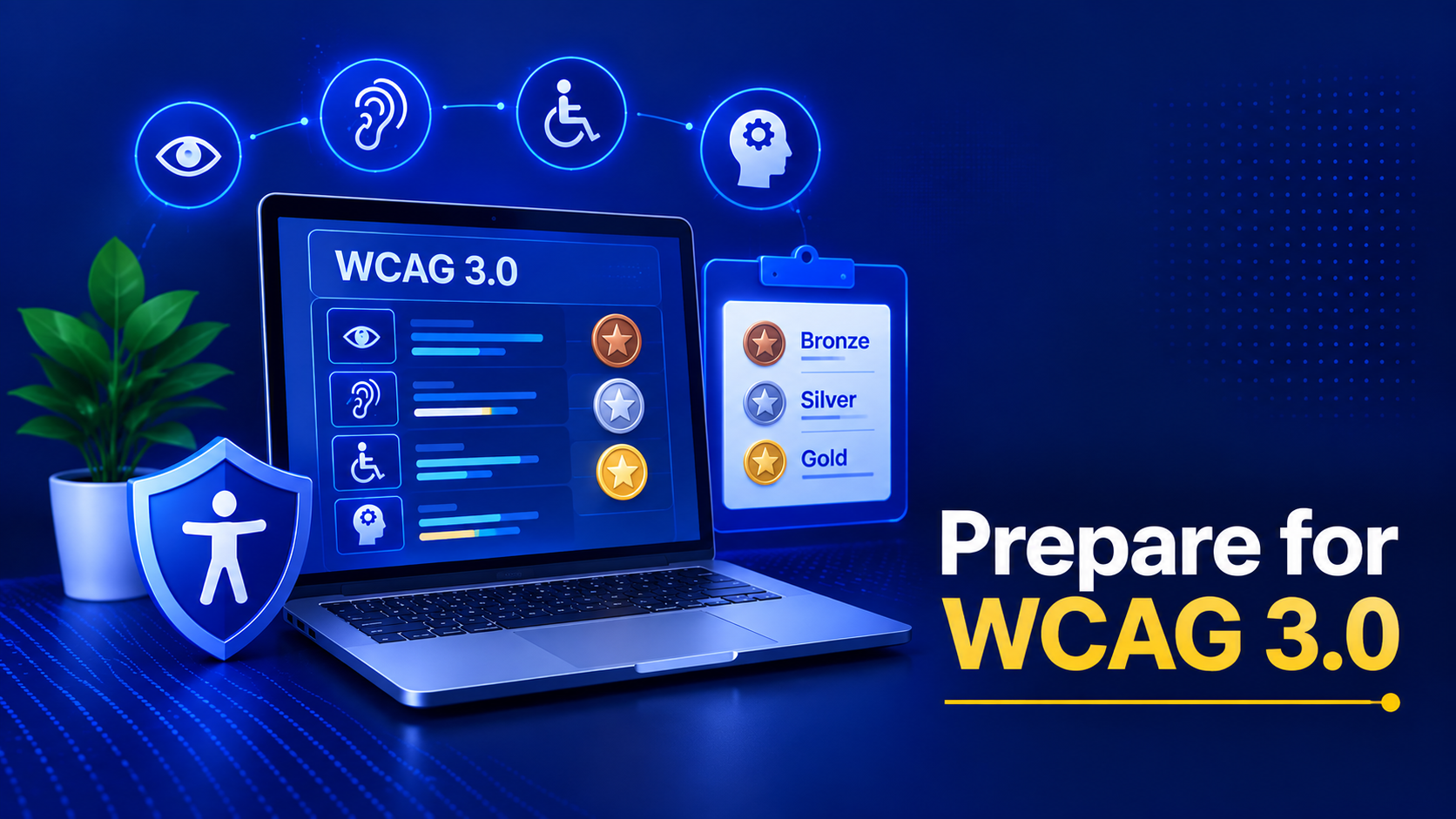
Under the old rules, a site is either conformant or it isn’t. WCAG 3.0 introduces a nuanced scoring system—Bronze, Silver, and Gold levels—spread across specific functional categories. This paints a much more accurate picture of real-world accessibility and actually rewards teams for partial progress instead of demanding absolute perfection.
3. A Much Broader Scope
WCAG 2.x focuses narrowly on web pages. WCAG 3.0 blows the doors off that limitation to cover all digital products. Native mobile apps, PDFs, authoring tools, and emerging technologies like VR and voice interfaces are all included. If it is digital and interactive, it is in scope.
Accessibility is moving beyond simply checking whether a website meets a list of technical requirements. WCAG 3.0 takes a more practical approach, focusing on how people actually experience and use digital products. It brings some important changes, from measuring real user outcomes and introducing more nuanced scoring to expanding accessibility beyond websites. WCAG 3.0 planning can benefit any organization managing digital experiences, including SaaS, eCommerce, public sector, enterprise, mobile, and content-heavy businesses.
Breaking Down the 3.0 Scoring Model
If you want to prepare your team, you have to understand how WCAG 3.0 assigns its scores. The model relies on three core components.
Functional Categories
Accessibility is no longer lumped into one big bucket. It is grouped into measurable outcomes, such as visual, auditory, motor/input, and cognitive/learning access. Each category receives its own specific score. This prevents companies from hiding behind a perfectly screen-reader-optimized site while completely neglecting users with cognitive disabilities.
The Rating Scale
- Bronze: Minimum critical access. This is roughly equivalent to hitting the WCAG 2.2 Level AA essentials.
- Silver: Strong accessibility backed by proactive, user-tested improvements.
- Gold: Exceptional, inclusive design that pushes far past baseline standards.
Atomic Tests vs. Holistic Assessments
WCAG 3.0 combines automated “atomic” tests (like running a quick color contrast check) with holistic evaluations (like running usability testing with disabled participants). Both of these testing methods directly contribute to your final score.
Implementation Strategies for Your Team
WCAG 3.0 asks teams to think beyond whether individual accessibility requirements have been checked. The focus shifts toward whether people with disabilities can successfully use a website or service to accomplish real tasks. In order to adequately arm your teams for this work, a change in how they function is necessary.
Here is where to start.
1. Shift from Checklists to User Journeys
Instead of checking out individual elements and components like buttons and forms, you should be checking out full user journeys for different disabilities such as visual, auditory, cognitive, and motor impairments for tasks like logging in, checking out, and reading an article. Perfect for the new WCAG 3.0 outcome-focused approach to meeting the accessibility requirements.
2. Embed Accessibility Earlier
Don’t let accessibility be something that QA finds. Integrate accessibility checks into three different points within your process:
Design reading structure: Using your wireframes, create annotated wireframes that show the user’s reading of the screen to design a good reading structure of content. This includes annotated maps that specify reading order, number of headings, and focus order.
During the development phase of the work, include linters and other automated test and check tools for accessibility failure within your teams’ CI/CD pipeline(s). This will check the most basic of failures for the developer prior to releasing the work ‘live’ on the web.
User Testing: As part of your regular testing sessions (on a quarterly rather than annual basis), recruit participants with disabilities to carry out moderated task-based testing of your website.
3. Document Your Methods, Not Just the Results
It is also important to remember that evidence of the outcome will need to be provided to support scoring of success. This evidence must show how the outcome was achieved and the test(s) or other validation(s) that were used to prove that the specified outcome has been reached. So keep copies of test protocols, summaries of user testing feedback, and design rationales. These will all be needed as evidence to support scoring of success.
4. Train for Outcome-Based Thinking
Training is an outcome-based way of thinking about the issues that your users may face when using your website or cross-functional workshops where developers, designers, and copywriters solve real user problems together in order to develop service. This will mean to switch off the question “Is this compliant?” and think about the following: does he complete a form on your website?
How Businesses Can Prepare Right Now?
Future compliance isn’t about waiting around for the W3C to publish the final spec. It’s about building organizational muscle today. WCAG 3.0 takes a broader, more future-focused approach to accessibility. This helps businesses prepare for changing technologies and accessibility expectations.
This is what you can do:
- Audit Against WCAG 2.2 First: A rock-solid WCAG 2.2 foundation perfectly positions you for Bronze-level conformance under 3.0. Fix your outstanding issues right now so you carry less technical debt into the transition.
- Adopt Internal Scoring: Start rating your own products on a Bronze/Silver/Gold scale using the WCAG 3.0 drafts as a baseline. Identify your gaps and prioritize the fixes based on actual user impact, not just automated severity warnings.
- Invest in Human Testing: This is the single highest-impact move you can make. Automated tools only catch about 30% of issues. Human testing reveals the remaining 70%, exposing the cognitive load problems, confusing workflows, and assistive tech gaps that scanners are blind to.
- Build a Governance Framework: Assign real ownership. Write an accessibility statement, designate champions across different departments, and schedule routine progress reviews. WCAG 3.0 heavily rewards mature governance.
Old vs. New Thinking: Practical Examples
In the following sections we will go through each of the elements that are already checked by test cases of WCAG 2.1 / 2.2 and explain how the new way of checking by WCAG 3.0 handles these elements.
- Video Content: WCAG 2.2 counts the existence of closed captions or an audio description for a video towards the check. For WCAG 3.0, the accuracy of the closed captions or audio description and their synchronization with the rest of the video are evaluated. Additionally, the video captions or audio descriptions are checked for features such as labeling of speakers and the positioning of the video captions so they do not obscure any critical video information. The main outcome of this check for people who are deaf is to find out whether they can understand a video.
- Color Contrast: WCAG 2.2 tests a minimum contrast ratio of 4.5:1 for regular text and then moves on to the next test. In contrast, the WCAG 3.0 test for color contrast checks if an interface is usable at the same level of contrast in all states (e.g., hover, focus, and error). The outcome of this test assesses whether users with visual disabilities are able to distinguish interface elements from their environment.
- Form Labels: In checking form labels for compliance with WCAG 2.2, only that the form labels are properly programmatically associated with the form fields is checked by WCAG 2.2. However, in checking form labels for compliance with WCAG 3.0, the function of all form labels, not just the static form field labels, as well as the instructions and the error recovery functions provided to users with cognitive disabilities is checked by WCAG 3.0 in order to determine whether or not users with cognitive disabilities are able to complete forms on your website without failure.
Wrapping Up
WCAG 3.0 represents a major shift in digital accessibility. Rather than relying mainly on pass/fail technical checks, it focuses on real user outcomes and whether people with disabilities can successfully complete tasks. It introduces a more flexible scoring approach and expands beyond websites to include mobile apps, PDFs, authoring tools, and emerging digital technologies. It also considers a wider range of user needs, including cognitive and learning disabilities.
Having said that, WCAG 3.0 is still a working draft, expected to be finalized in a couple of years or so. However, W3C encourages interim adoption of the Guiding Principles as well as the Scoring Model to enable organizations to begin to put accessibility into practice to gain an immediate legal and business advantage when the standard is formalized.
Even before the final version of WCAG 3.0 is released (several years from now!), adoption of the core principles of the new draft, and in particular the scoring model, by organizations worldwide could have many interim legal and business advantages. And as always, the cost of remediation for such organizations will be greatly reduced compared to their competitors. The effort to develop accessibility for people with disabilities into a quality standard for all products that improves user experience for everyone is an evolution that can only bring good. Preparing for future accessibility standards (as we have for the AA standards in the past) is not studying for a test. It is evolving. Reach out to us at AEL Data today to ensure your website is ready!