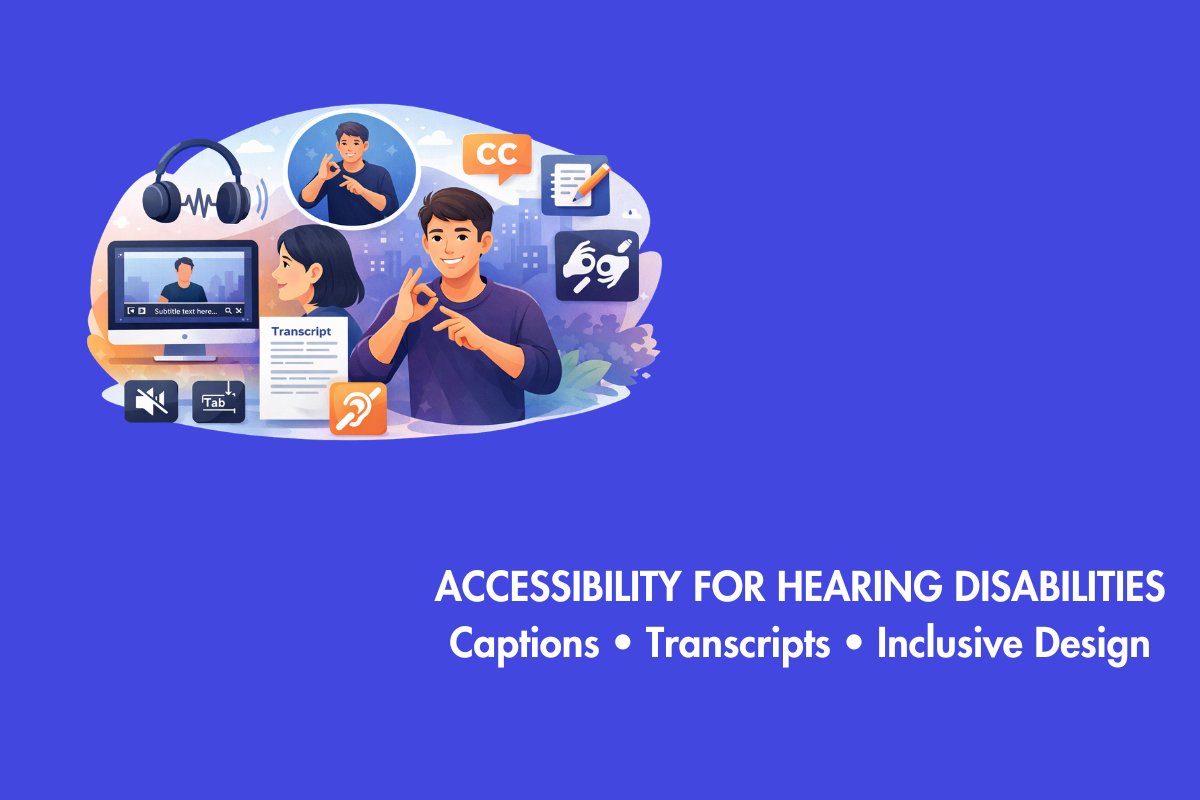
Since websites are an important aspect for every business owner, they need to ensure that their websites are flawless. Even after years of advocating for accessibility, there is a persistent misconception that accessibility has become a bottleneck for the website. However, it is the other way round; accessibility is not a detour but a series of road signs that will help everyone reach their destination in the best route possible.
Table of Contents
Accessibility Creates Clarity and is Important for all
When a website has clear navigation, organized content, readable text, and works well on mobile, it becomes easier for everyone to use. A site that supports screen readers also tends to perform better on slow connections and small screens. Accessibility reduces friction, expands your reach, and creates stronger engagement with a wider audience.
In this blog, we will deconstruct the powerful relationship between accessibility and website performance.
Overview of Semantic HTML
At the core of every fast and accessible website lies its structure: the HTML. For a long time, it was common practice to build web layouts using a generic container: the <div>. Developers would nest <div> after <div>, creating what’s often called “div soup.” This approach works, but it’s inefficient and carries no meaning. It tells a browser or a screen reader that a block of content is just… a block of content.
Semantic HTML is the antidote to this. It involves using HTML elements that describe the meaning and purpose of the content they contain. Instead of a generic <div> for your site’s banner, you use a <header>. For your main navigation menu, you use <nav>. The primary content of the page goes into a <main> element, and so on. Other key semantic elements include <article>, <section>, <aside>, and <footer>. It is more structured and cleaner!
Benefits of using Semantic HTML
- Using tags improves accessibility. Additionally, having a clean & logical Document Object Model enables screen readers to navigate menus with faster rendering times.
- Semantic HTML improves performance by allowing browsers to parse code more efficiently.
- A “div soup” layout requires complex CSS selectors, increasing computational work.
- Semantic structure promotes simpler selectors, reducing CSS parsing overhead.
- Writing code for machines like screen readers makes it easier for other machines to process quickly.
Descriptive Links and Headers
Screen reader users usually don’t read a webpage from top to bottom right away. They skim first, jumping between headings with keyboard shortcuts to quickly understand what the page is about. If your headings aren’t clear or you haven’t used them to structure the content, that quick scan becomes confusing.
The same goes for links. Imagine listening to a list of links being read out loud with no surrounding context. Would they still make sense on their own?
Many organizations still use vague phrases like “click here” or “learn more.” That might work if you can see the full page and understand the context instantly, but it doesn’t help screen reader users or people with cognitive impairments. Accessible links should clearly say what the user will get or where the link will take them, right in the link text itself.
Image Optimization and Alt Text
Most of the times, images, due to their nature, are the largest files on the website. Unfortunately, it is not helpful for users with vision impairment. Therefore, website owners must ensure that the images on their website are able to bypass this roadblock. It is not rocket science! All you have to do is to add alt text for all images on your website.
Here is a short to-do list to ensure the images are accessible:
- Resize images to the exact dimensions they will be displayed at to reduce file size and page load time.
- Serve images in efficient formats like WebP or AVIF for superior compression.
- Avoid lazy loading to ensure users can interact with the images earlier rather than waiting for it to load at a specific location and time on the website
- Mark images as decorative if they serve no informational purpose
- Write alt-text if the image contains important information
Efficient CSS and JavaScripts
CSS and JavaScript are the essential features of most websites. Hence, we need to optimize them for all users.
CSS
Be mindful while integrating CSS on your website, as they can result in utilizing more processing power of browsers to read them. Make sure that you don’t disrupt or create changes to simple and already established factors such as natural cascade.
Furthermore, when you use a consistent method (BEM), it’s easier to maintain and allows browsers to apply styles quicker. Avoid taking complicated routes for a simple task. For example, instead of making an element completely invisible to screen readers, use a class that makes the element visible while informing it to screen readers.
JavaScript
JavaScript is a great tool, but it can slow down page loading and make websites feel unresponsive. Therefore, make use of progressive enhancement. In this method, a working base of HTML and CSS is used initially, and then JavaScript is added like icing on the cake.
Additionally, try to avoid JavaScript-only components that can restrict the usage of the keyboard while navigating the website. For example, instead of using a <div> with a click event handler, use the appropriate <button> element according to the context. This native element comes with built-in keyboard accessibility and state management, requiring less custom JavaScript to function correctly and performing more efficiently than a custom-built equivalent.
ARIA Optimization
Adding ARIA attributes to HTML elements can make them easier to use, especially for complicated dynamic components like combo boxes, sliders, etc. Additionally, ARIA should always be used like a bridge that connects non-semantic HTML elements with assistive technologies. Avoid repurposing an element through ARIA when there is a semantic HTML element that can do the same role. For example, instead of adding the role=”tab” attribute for <h2> element, use <div> which by default has that attribute.
Whenever ARIA is used to create a custom component, it is most likely to slow down the website and is a beacon for bugs. It is like trying to use an adapter to convert a Lightning port cable to a Type-C cable when you already have a Type-C cable that supports Apple phones.
Improve User Experience
Accessibility and SEO both start with the same goal: making your website easy and pleasant to use. When people can navigate your site without confusion, read your content comfortably, and find what they need quickly, they’re more likely to stay longer and explore more pages. That positive experience sends strong signals to search engines, which can help improve your rankings.
Conclusion
Accessibility and performance of a website are like two faces of the same coin. It is difficult to achieve one of them by circumventing the other. Here is a TL;DR of our blog for you:
- Write a cleaner code and avoid using non-semantic or HTML elements
- Using semantic HTML, well-structured headings, and descriptive link text helps both assistive technologies and search engines interpret your content accurately.
- Optimize images and add alt text for all of them, including the non-relevant ones—mark them as decorative.
- Be mindful when you are using CSS, JavaScript and ARIA on your website
- Avoid any practices that can increase the processing power of browsers, as it increases loading times for your users.
Many accessibility best practices also improve SEO. Accessible sites are easier to crawl, enhance user experience, and encourage visitors to stay longer and engage more, which can lead to better search rankings. Contact us at AEL Data today to assist you in achieving this!
Accessibility is not a burden or roadblock while designing websites; it is a small investment that creates an inclusive and user-friendly experience for all users.