If you are still treating web accessibility like a box to check for “Special Users”, you’re about to have a rough year.
This is not 2018 anymore!
We are past the era of gentle suggestions and voluntary guidelines. In 2026, digital accessibility is a hardened business imperative woven into law, encoded in global standards, and demanded by a market that’s done waiting for inclusion.
For online businesses, the stakes are no longer about being nice. They’re about being legal, being competitive, and being open for business to everyone. If you let this pass by, and you are not just risking a lawsuit, but you’re leaving money on the table and handing customers to competitors who built their doors wide open. Let’s break down what has changed, what the rules really say, and how to move forward without delvng into technicalities.
Table of Contents
Why is ADA important in the current digital landscape?
The Americans with Disabilities Act (ADA) is a U.S. law that makes sure people with disabilities aren’t excluded from jobs, services, or businesses, and today that includes websites and apps too. Even though it was written before the internet, courts treat digital spaces like public places, so businesses are expected to follow Web Content Accessibility Guidelines (WCAG) Level AA.
In simple terms, that means your content should be easy to see, navigate, understand, and use with assistive tech. There are also clear deadlines for government websites to comply by 2026–2027. If you ignore accessibility, you risk lawsuits, costs, and a hit to your reputation, so it’s really about making your site work for everyone.
Whether you’re running an e-commerce store, a SaaS platform, or a content site, accessibility now sits at the intersection of compliance, user experience, and brand trust. The good news is this isn’t about chasing rules or reacting to risk. It’s about building something stronger, more usable, and future-ready from the ground up.
1. The Standard Isn’t Changing—It’s Solidifying
You’ve heard of WCAG. But in 2026, it’s not just a guideline; it’s the de facto legal benchmark in nearly every major market. Here’s what you actually need to know:
WCAG 2.1 Level AA is your floor. If you’re not meeting this right now, you’re already exposed. This is the version referenced in U.S. legal settlements, EU regulations, and procurement rules worldwide. It covers the basics: keyboard navigation, screen reader compatibility, color contrast, form labels, and more.
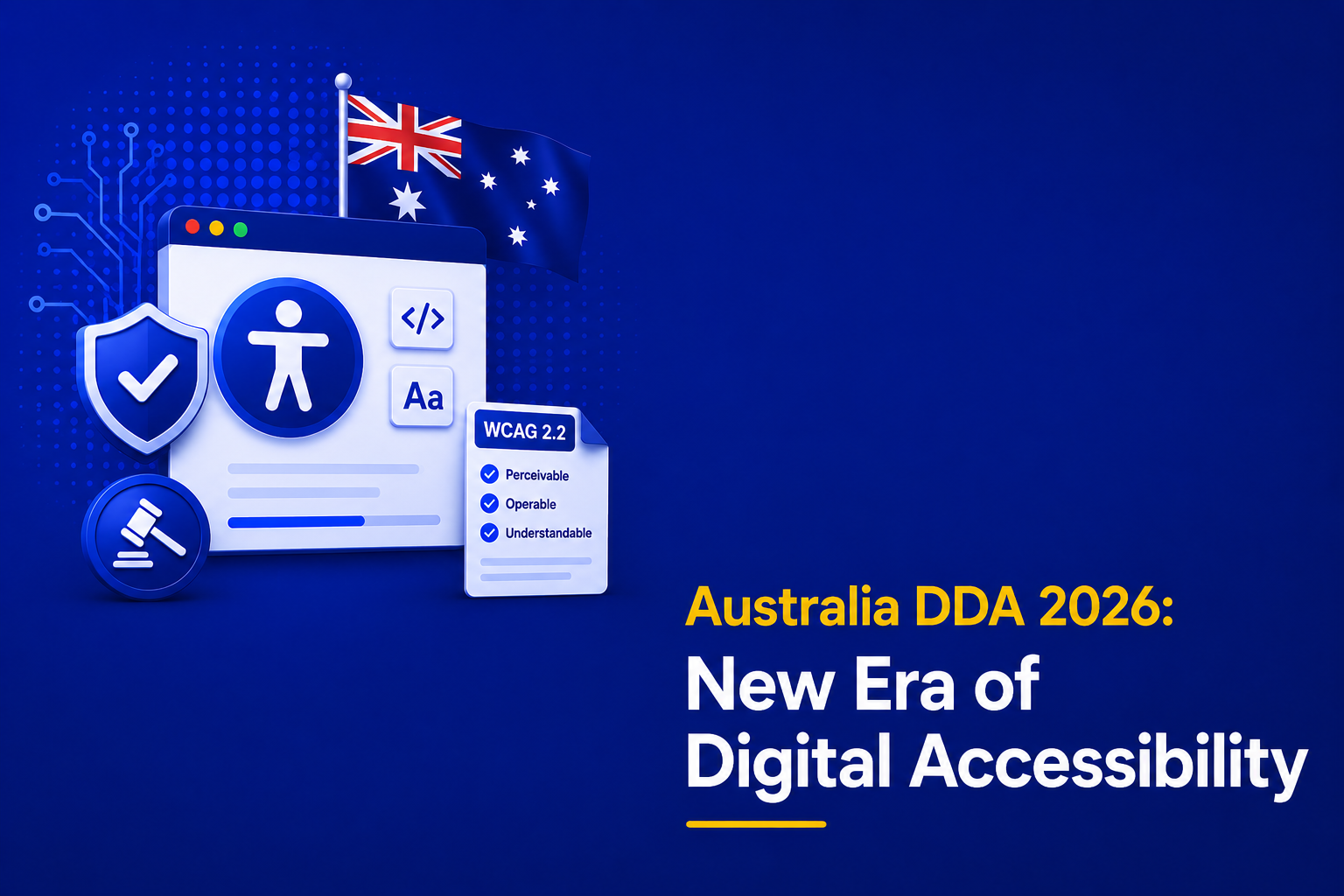
WCAG 2.2 is the new ceiling. Released in late 2023, 2.2 didn’t reinvent the wheel. It added crucial fixes for real-world friction: better focus indicators, improved mobile accessibility, clearer form instructions, and protections against accidental actions. Smart businesses aren’t just meeting 2.1—they’re aligning with 2.2 proactively, because regulators and plaintiffs’ attorneys are starting to look there next.
The Takeaway: Build to WCAG 2.1 AA today. Design toward WCAG 2.2 AA for tomorrow. This isn’t about chasing updates; it’s about building a digital asset that won’t be obsolete in a year.
2. The Laws You Can’t Ignore (and One You Might Be Missing)
Accessibility laws give this real weight. It is no longer just best practice; it is actively enforced. If your business serves users in different regions, you are dealing with multiple laws, but most point back to the same standard, Web Content Accessibility Guidelines.
From the Americans with Disabilities Act in the U.S. to regulations in Europe and Canada, compliance depends not just on where you are based but also where your users are. Laws give WCAG its teeth.
Here’s how they play out in 2026:
Americans with Disabilities Act (ADA) Title III
Still the heavyweight. Courts continue to rule that websites are “places of public accommodation.” The DOJ isn’t backing down—they’ve made clear that accessibility is a civil right, not a feature request. If you serve U.S. customers, you’re a potential target. And no, having an “accessibility plugin” won’t save you. Case law consistently points to full WCAG 2.1 AA conformity as the standard for compliance.
The European Accessibility Act (EAA)
This is the sleeper hit for global businesses. The compliance deadline was mid-2025. By 2026, enforcement is live across the EU. It applies broadly to e-commerce, SaaS, banking, and transportation services. The EAA doesn’t mess around—it explicitly requires compliance with EN 301 549, which maps directly to WCAG 2.1 AA. If you have EU traffic, this isn’t optional. It’s mandatory.
Section 508 & AODA
These remain critical for specific markets:
Section 508 governs U.S. federal procurement so If you work with government agencies or large contractors, you already are familiar with the requirements.
AODA affects any business with a presence in Ontario, Canada. It’s detailed and tightly enforced with an expectation that , compliance is properly documented.
3. Your 2026 Game Plan: Action, Not Anxiety
Don’t be overwhelmed! Here’s how to move from awareness to execution:
Step 1: Audit Like You Mean It
Scattergun automated scans won’t cut it. You need a manual web accessibility audit real people using screen readers, keyboard-only navigation, and voice commands across your key user journeys. This isn’t a “nice-to-have.” It’s your diagnosis. It tells you where you stand, what’s broken, and what to fix first. Expect a detailed report (often a VPAT) that you can use internally and share with partners.
Step 2: Integrate, Don’t Just Remediate
Throwing developers at a backlog of 500 errors after launch is wasteful and demoralizing. Build accessibility into your workflow:
Train your teams: Content writers need to write meaningful alt text. Designers need to check color contrast ratios. Developers need to use semantic HTML and ARIA correctly. Additionally, make your forms easy to understand with proper labels and helpful error messages. Give users enough time to complete actions, and ensure good color contrast so content is readable. Include captions for videos and transcripts for audio, and avoid flashing elements that could trigger seizures.
Embed checkpoints: Add accessibility reviews to your design sprints, PR checklists, and content approvals.
Vet your vendors: Any new plugin, theme, or third-party tool must come with an accessibility conformance report. Make it part of your procurement contract.
Step 3: Own It Publicly
Transparency builds trust and can deter legal action.
Publish an accessibility statement that’s honest and actionable. State your target standard (WCAG 2.1 AA), outline known limitations, and provide a clear way for users to report issues.
Assign an owner: Someone on your team should be accountable for accessibility progress.
Schedule ongoing reviews: Tech changes, content updates, new features get added. Quarterly light checks and an annual deep audit keep you on track.
4. Why This Is Your Next Competitive Edge
Let’s flip the script. In 2026, accessibility isn’t a cost—it’s an advantage.
You’re not just avoiding lawsuits. You’re:
Tapping into a massive market—over 1.3 billion people with disabilities worldwide, with significant spending power.
Improving UX for everyone: Captions help people in loud spaces. Keyboard navigation helps power users. Clear structure helps SEO.
Building a trustworthy brand: In an era of hollow corporate messaging, real inclusion speaks louder than any ad campaign.
Companies that get this aren’t just complying. They’re outperforming. They rank better, retain users longer, and build products that are more resilient and easier to maintain.
Bottom Line…
Accessibility in 2026 comes down to a simple shift. Stop treating it as a task and start treating it as part of how you build. The laws will keep evolving, but they all point back to the same foundation, the Web Content Accessibility Guidelines, and the expectation that your product works for everyone. If you build with that in mind from the start, you stay compliant, reach more users, and create a better experience across the board. If you don’t, you will keep reacting, fixing, and falling behind. The businesses that move early are not just avoiding risk; they are setting the standard for what a usable, inclusive internet actually looks like.
Start with an audit. Train your team. Build accessibility into your process—not as a last-minute fix, but as a first principle. Because in the end, an accessible website isn’t just about who you let in. It’s about who you are as a business. And that’s something worth building right. Contact us at AEL Data today to assist you.