WordPress is used to power nearly half the internet’s websites. It’s open source, so there are no license fees, it’s relatively easy to learn, and it works just as well for a simple website as it does for a full web application. It also has a large community that builds plugins and themes and contributes to the core platform. As a result, even non-technical users can get a website online in minutes.
But most commercially available themes are designed to exclude millions of users with disabilities. When selecting a theme for your website, choosing a theme based on only how it looks can have huge technical implications. Many organizations buy a theme for their site and then have their developers reverse engineer the site’s structure to try to make it so people with disabilities can use it too. However, the site was not designed to be usable in the first place by people with disabilities, and thus a host of barriers to use are introduced.
Picking an “accessibility-ready” WordPress theme is a great first step in building an accessible website. The theme is one that should have already gone through a technical audit for inclusive design. Therefore, it is a legally safe solution. It not only improves the experience of people with disabilities using your website, but it will also improve your search engine ranking and decrease long-term costs of development for your website.
Table of Contents
What “Accessibility-Ready” Actually Means?
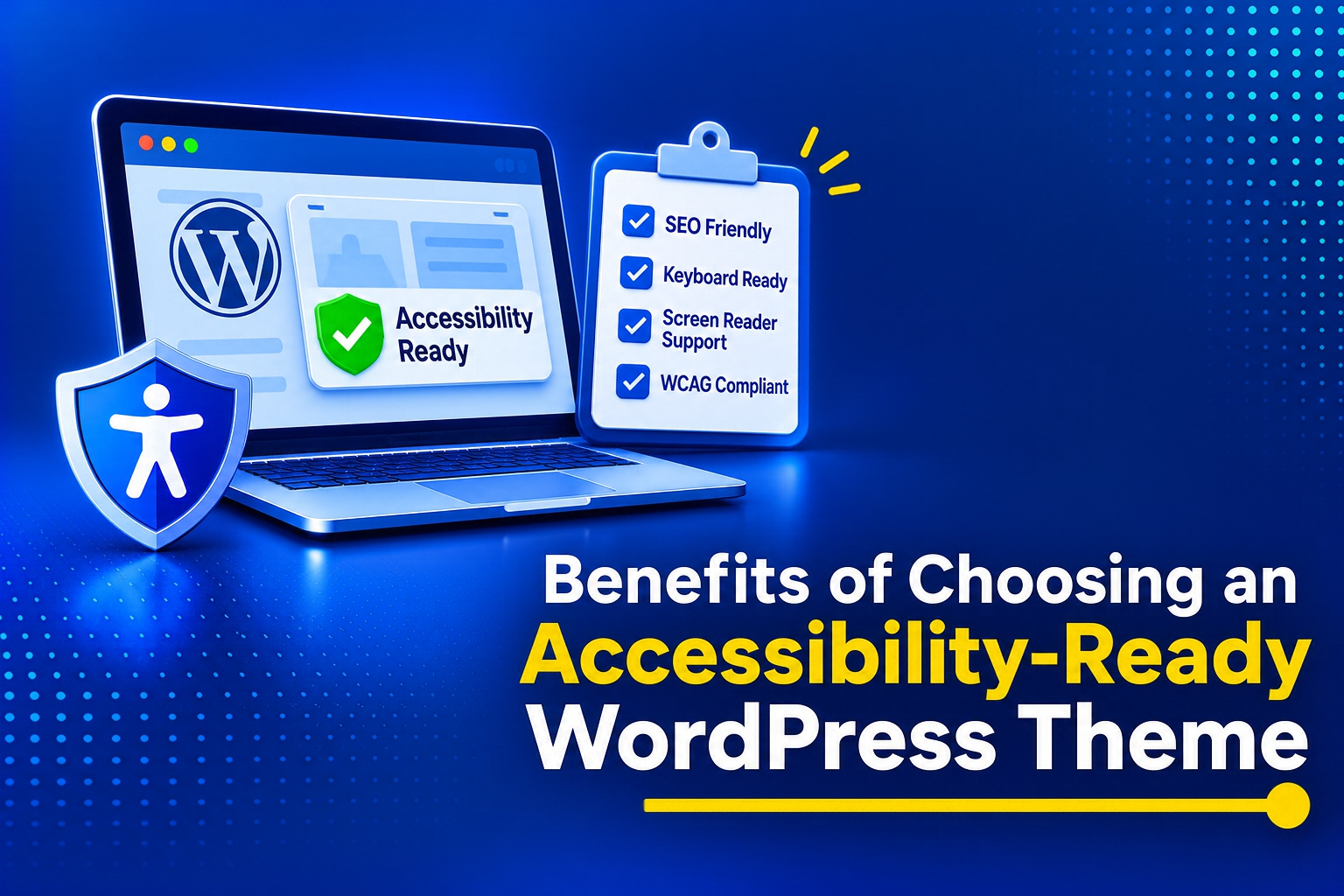
WordPress Themes in the WordPress Theme Directory that are labeled “Accessibility-Ready” have gone through a rigorous process to achieve that label. In the official WordPress.org Themes Directory, themes that have the “Accessibility-Ready” tag have gone through a very manual and arduous process by the WordPress Theme Review Team.
An accessibility-ready within the official WordPress Theme Directory means that said theme has gone through a manual process by the website’s review team. It means the underlying code of the theme has been audited against a minimum number of requirements in order to render said theme accessible for people with disabilities.
An ‘accessibility ready’ WordPress Theme which has been added to the directory, has to contain semantic HTML for the heading elements. It also requires the right amount of contrast between the background and the used colors. Last but not least, the theme can 100% be completely and fully used by a user who is only using a computer keyboard to navigate said theme from start to finish without any exceptions whatsoever.
The Core Benefits of an Accessible Foundation
Building on an accessible foundation provides immediate technical and business advantages. You streamline your development cycle and open your digital doors to a massive, frequently ignored demographic. Let’s delve further:
The SEO and Core Web Vitals Advantage
Search Engine Optimization (SEO) and web accessibility are two sides of the same coin. Choosing an accessibility-ready WordPress theme does more than make your website inclusive. It also improves how search engines understand your content, helps your pages load faster, and gives you a stronger technical foundation from day one.
Crawlers and AI agents don’t have eyes; they navigate your website exactly like a screen reader does. They rely entirely on your underlying semantic HTML to understand context, hierarchy, and relevance.
Accessibility-ready themes enforce strict semantic architecture. They utilize proper `<nav>`, `<main>`, and `<article>` tags, feeding search algorithms perfectly structured data. Furthermore, because these themes demand clean, lightweight code rather than relying on heavy visual page builders, they consistently load faster. This speed directly boosts your Core Web Vitals scores signaling to Google that your site provides a superior technical experience, which translates directly into higher organic search rankings.
Out-of-the-Box Keyboard and Screen Reader Support
For individuals with motor limitations who cannot use a mouse, a website is only functional if it can be operated entirely via a keyboard. Retrofitting a standard, visually driven theme to support linear keyboard navigation requires extensive, highly specialized JavaScript and CSS work.
An accessibility-ready theme eliminates this heavy lifting. They come pre-engineered with visible focus rings, ensuring keyboard users always know exactly where they are on the page. They include native “skip to main content” links, letting users bypass repetitive header menus with a single keystroke. They also deploy proper ARIA landmarks by default. By selecting a compliant theme, you save your dev team dozens of hours they would otherwise burn manually coding and testing these complex interaction patterns.
From an authoring perspective, WordPress aims to align with the W3C’s Authoring Tool Accessibility Guidelines (ATAG) 2.0, but it does not fully meet them yet. ATAG sets a high bar: the authoring tool should be accessible to people with disabilities while also helping all users create accessible content and fix accessibility issues without relying on extra tools or plugins.
A Stronger Foundation for Legal Compliance
In the United States, digital accessibility is a heavily enforced legal requirement. Lawsuits targeting businesses under Title III of the ADA are filed daily against organizations whose websites exclude people with disabilities. Remediating a broken, inaccessible website is exceptionally expensive, often requiring a total rebuild of the underlying code.
Starting your project with an accessibility-ready theme is a powerful risk mitigation strategy. While the theme alone doesn’t guarantee total legal immunity, it provides a bulletproof foundation that meets the technical requirements of WCAG 2.1 AA. It is significantly cheaper and easier to maintain compliance when your core architecture is fundamentally sound, rather than constantly fighting against a theme that actively generates inaccessible garbage code.
The Reality Check: A Theme is Only the Starting Point
While an accessibility-ready theme is the strongest possible starting point, you have to manage your expectations. An accessible theme is essentially an empty, structurally sound house. The furniture you put inside that house—your content, your plugins, and your media—dictates your final compliance status.
The Plugin Paradox
WordPress is probably the most modular website-building tool. In the best-case scenario, this would mean that you can use a fantastic, accessible theme and, on top of that, a perfectly accessible contact form module and, to top it all off, a perfect image slider plug-in. However, in one go, the single inaccessible installation of a plug-in can destroy all of a website’s possibilities of complying with strict requirements for people with disabilities.
An inaccessible contact form is probably the worst thing for a WordPress-powered website. If you add an image-rich, interactive, cheesy image slider to your site, you risk getting a user who is navigating your website by keyboard stuck in an infinite loop of images from which they have no way of escaping. But before you add any new code to your WordPress-powered website, you need to make sure that the person or people adding the new code to the site’s codebase have done their due diligence in finding the best developers of WCAG-compliant add-ons for WordPress. That involves searching for the best developers of WCAG-compliant add-ons for WordPress and then reading and verifying the WCAG compliance statements for the add-ons that best suit the needs of your site that they publish on their websites.
Content Creation: Headings, Alt Text, Descriptive Links, and Contrast
Daily accessibility management falls squarely on the content creators and site editors. A compliant theme provides the correct structural tags, but humans have to use them correctly. Editors must commit to strict workflows:
Logical Heading Structures: Use H1 through H6 tags sequentially. Skipping from an H2 directly to an H4 creates a structural void that deeply confuses screen reader users.
Descriptive Alt Text: Every image that conveys meaning must feature descriptive alternative text so visually impaired users understand the context.
Descriptive Links: Avoid vague text like “Click here” and use descriptive link text that clearly explains where the link goes.
Brand Color Contrast: When editors apply custom brand colors to text and buttons, they must verify those colors meet the strict WCAG contrast ratio (text against their backgrounds): 4.5:1 for normal text and a 3:1 ratio for larger text.
Responsive Design
An accessibility-ready WordPress theme is designed to work well across devices while remaining easy to read and navigate. Responsive design ensures the layout adapts smoothly to different screen sizes without compromising usability.
The Necessity of Ongoing Testing
Accessibility is not a project with a finish line; it is an ongoing operational standard. As multiple authors publish new posts, swap out images, and install new marketing tools, the compliance of the website will naturally drift.
Organizations have to implement a regular testing schedule. Developers should run automated scanning tools like Lera, Axe DevTools to catch programmatic errors, while QA teams must conduct manual accessibility audits using a keyboard and screen readers like NVDA or VoiceOver. Catching content errors early prevents minor oversights from snowballing into severe usability roadblocks.
A Bulletproof Foundation
Digital accessibility should never be treated as an expensive afterthought. By deliberately choosing an accessibility-ready WordPress theme, you bypass the friction of retrofitting broken code and instantly provide a welcoming experience for people with disabilities.
You still bear the responsibility of generating accessible content and auditing your plugins, but starting with a compliant theme acts as a crucial safety net, making long-term digital inclusion significantly easier, faster, and cheaper to maintain.
An accessibility-ready WordPress theme gives your website a strong head start, but it’s only the beginning. It provides a solid foundation with better structure, keyboard navigation, responsive design, and performance, making accessibility easier to build into your site. Reach out to us at AEL Data to help you further.