We’re heading into 2026. The retail landscape is crowded, competitive, and digital-first than ever. You’ve optimized your checkout flow. You’ve A/B tested your “Buy Now” button color. You’ve invested a small fortune in supply chain logistics and AI-powered recommendations.
But what if we told you that you could be actively turning away millions of customers at your digital front door?
In this blog, we will help you understand why accessibility should be the first priority for every retailer.
Table of Contents
- 1 The Rising Tide of Legal Action: Moving from Risk to Reality
- 2 What are some of the common barriers that users with disabilities face?
- 3 Measures for your website to be accessible for all
- 4 The Trillion-Dollar Customer You’re Ignoring
- 5 Strengthening Your Brand: Accessibility as the Ultimate UX
- 6 Conclusion
The Rising Tide of Legal Action: Moving from Risk to Reality
Since the last decade, the legal landscape around digital accessibility has been a ‘gray area’ for many. Businesses operated on a “wait and see” model. That time is over. In the United States, the Department of Justice (DOJ) affirmed that the Americans with Disabilities Act (ADA) applies to websites, treating them as “places of public accommodation.”
In Europe, the European Accessibility Act (EAA) is coming into full force, setting firm deadlines and requirements. In Canada, the Accessible Canada Act (ACA) set strict requirements for federally regulated organizations, and provinces like Ontario have their own rules through the AODA. For retailers operating in multiple regions, it’s important to stay on top of these evolving standards and make sure every digital touchpoint meets the accessibility requirements of each market.
Countries around the world are putting laws in place to make sure digital experiences are accessible to everyone, including people with disabilities.
What are some of the common barriers that users with disabilities face?
Here are a few of them:
- A “Shop Now” button that a screen reader (used by people who are blind) can’t identify.
- A checkout form that can’t be navigated using only a keyboard (essential for people with motor disabilities).
- Color combinations for a “Sale” tag that are unreadable for someone with color blindness.
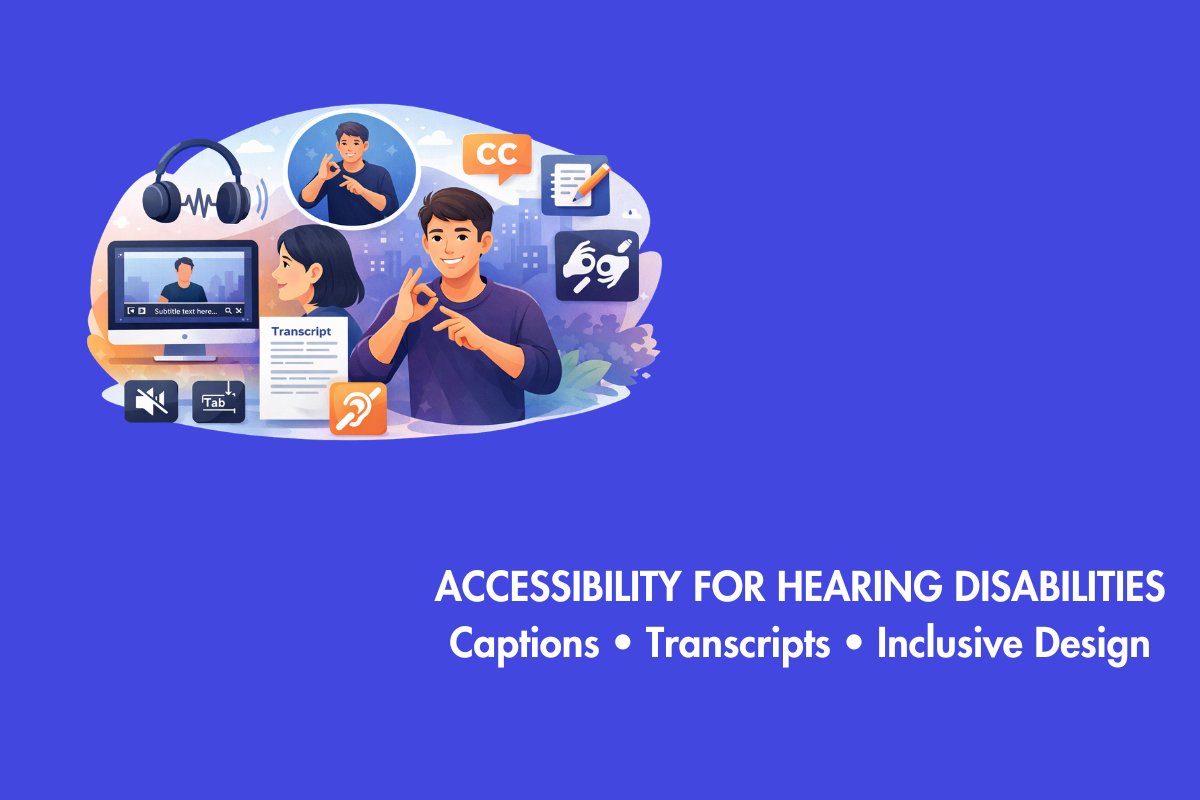
- A promotional video with no captions, making it useless for a customer who is deaf or hard of hearing.
When a customer encounters one of these barriers, they usually just leave and sometimes, they call a lawyer.
In 2026, the cost of this inaction is painfully clear. It’s not just the potential fine or settlement. It’s the staggering legal fees, the fire-drill scramble to remediate your site under a court order (which is always more expensive than doing it right the first time), and the deep, lasting damage to your public image.
Measures for your website to be accessible for all
But, you can improve your website’s accessibility with some effective and simple measures that only benefit users with disabitlies but also benefits all.
Some of them include:
- Alt text: Add clear alt text for images, make sure the site works smoothly with keyboard navigation, and include captions in videos.
- Proper headings: Use proper headings so screen readers can understand the page. A logical, well-structured layout with clear headings, intended for screen reader users, helps all users.
- High contrast: Keep text and background colors high in contrast. High-contrast text, intended for users with low vision, helps everyone to read the text in bright sunlight.
- Forms with clear labels: Create forms with clear labels, allow users to resize text without breaking the layout, and use descriptive link text instead of “click here.”
- Clear Captions: Clear and concise video captions, intended for users who are deaf, helps anyone viewing video on mute or in public spaces.
- Big click targets: Also known as a large touch target, it is intended for users with motor difficulties and reduces frustration for anyone using a small touchscreen.
- SEO: Let’s not forget SEO. A well-structured site with proper headings, descriptive links, and meaningful alt text is easier for both users and search engines to understand. Teams that invest in accessibility consistently see better organic rankings. Ignoring SEO means overlooking a massive global audience, and in 2026, that is simply not a smart strategy.
These small changes go a long way in making your website more inclusive. Ignoring accessibility is now an active financial risk. Your legal department and your CFO should be just as concerned about this as your design team.
The Trillion-Dollar Customer You’re Ignoring
What if we told you there was a market segment with over $1 trillion in annual disposable income that is actively looking for brands to be loyal to, you’d build an entire department around capturing it. You guessed it, right! That segment is users with disabilities.
Globally, over 1.3 billion people live with some form of disability. When you include their families and close friends, it becomes a significant portion of your potential customer base.
Here are some advantages of catering to users with disabilities:
Gains Brand Loyalty
When a person who’s constantly frustrated by websites that are not user-friendly finally lands on your website and discovers that it is accessible, they will become your loyal and biggest supporter. They will choose a website where the product images have clear descriptions, is keyboard friendly and easier to navigate instead of other affordable alternatives, as you respect users with disabilities by providing them a way to access your website without any barriers. It is difficult to buy this kind of brand loyalty even with a Super Bowl ad.
Helps Everyone else
Accessibility is not just a technical requirement. It is a practical, real-world design choice that makes products easier for everyone to use across ages, abilities and situations.
Here are a few categories of people that it would benefit:
- Older people have immense purchasing power and are increasingly likely to experience age-related impairments like low vision, poor motor skills etc. They benefit from clear fonts, high-contrast text, and simple navigation.
- Someone with a temporary disability, like a broken arm, will rely on keyboard navigation or voice commands to get things done.
- Anyone with a situational disability, like a new parent trying to shop one-handed while holding a baby, or someone watching a video in a loud train (needing captions), benefits from accessible design.
Making things accessible isn’t about a small group of users. It’s about designing for the way real people live.
Strengthening Your Brand: Accessibility as the Ultimate UX
One of the core advantages of accessibility is curb-cut effect. In the 1970, curb cuts were installed to assist wheelchair users. The curb cuts are now helpful to not just wheelchair users, it helps everyone such as parents with strollers, delivery drivers using box carts etc.
Similarly, when you design for accessibility, it helps all users.
Corporate Social Responsibility (CSR)
CSR is more than a trend; it’s how companies show they care about their impact. People pay attention to what brands stand for, and most prefer to buy from companies that share their values. Adding digital accessibility to your CSR efforts is a simple way to show you value inclusion and want to make a real difference.
Conclusion
If you plan on improving your website’s accessibility in 2026, start by getting a proper audit instead of guessing.
- A professional audit report will provide a clear, prioritized list of actions to take and it is reliable than
automated scanners that can catch only 30-40% of accessibility issues. Include users with disabilities in your testing team to get better feedback.
Next, train Your Team: Stop the Bleeding
- Fixing issues at the end is expensive, so bake in accessibility at the beginning of your process rather than fixing it when someone files a lawsuit.
- Train everyone on your team, familiarize them with accessibility standards such as Web Content Accessiblity Guidelines (WCAG) and its versions to avoid creating new barriers.
- Provide role-specific training: Designers must prioritize color contrast and keyboard focus states, while developers should ensure code compatibility with screen readers. Content writers should produce concise image alt text and descriptive hyperlinks, steering clear of vague phrases. Additionally, QA testers must acquire skills for testing using only a keyboard and screen readers.
Lastly, since keeping up with global standards can be overwhelming, partnering with an experienced accessibility provider can help you stay compliant and build inclusive experiences. The right partner will audit your site, give you tools to monitor accessibility over time, and support your team with training, strategy, and workflows so accessibility becomes an ongoing, sustainable practice. Contact us at AEL Data today to help you understand about accessibility for your website and other digital properties.
In 2026, it won’t be about you avoiding accessibility, it is about the revenue and goodwill you have decided to leave on the table.